Adding a Solution Insight
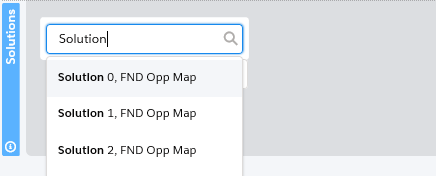
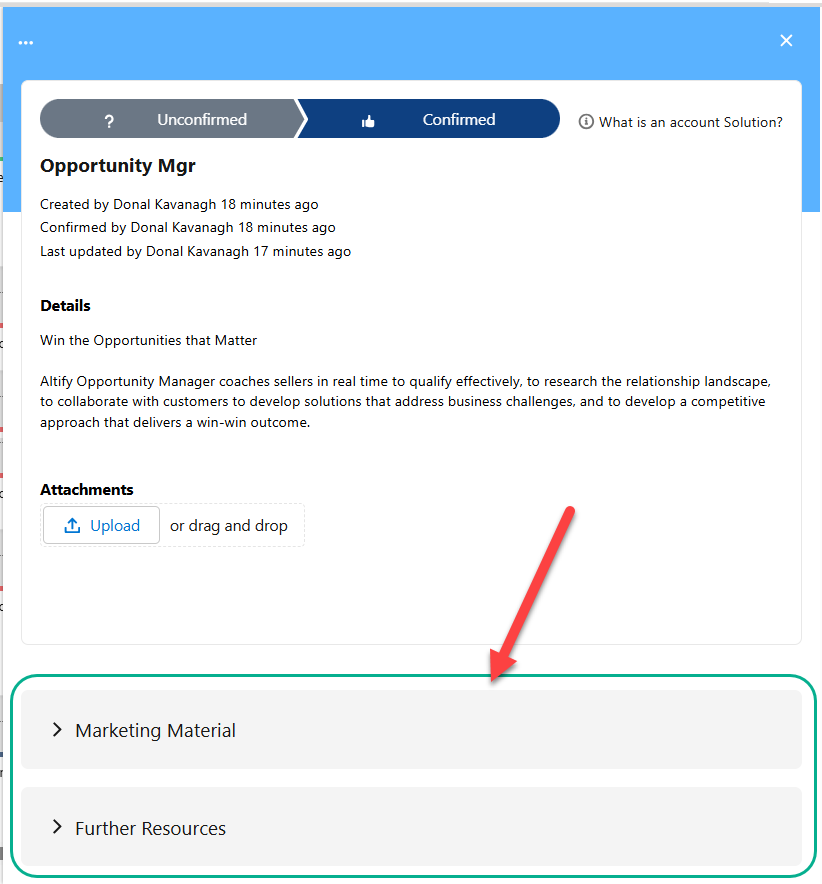
A template solution will typically contain useful information in additional sections that have been prepared by your administrator, as shown in the sections 'Marketing' and 'Technical Specifications' in the example below.
AI Assistance: Want guidance on which solutions are a good fit your account insight map? Try the following queries in your AI assistant:
-
What solution recommendations do you have based on this account’s insight map?
-
Which of our solutions best address this account’s stated goals and pressures?
For more prompt suggestions, see the MaxAI Prompt Library for Account Planning .
Linking a solution to an initiative or obstacle
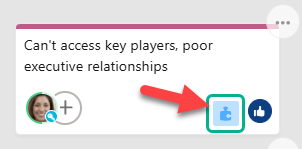
Solutions are linked with an insight on its detail panel.