Your administrator can configure Relationship Maps so that each contact on the map has a X icon (on their contact card) and a LinkedIn icon (on their contact details panel and contact card) - as highlighted in the example below.
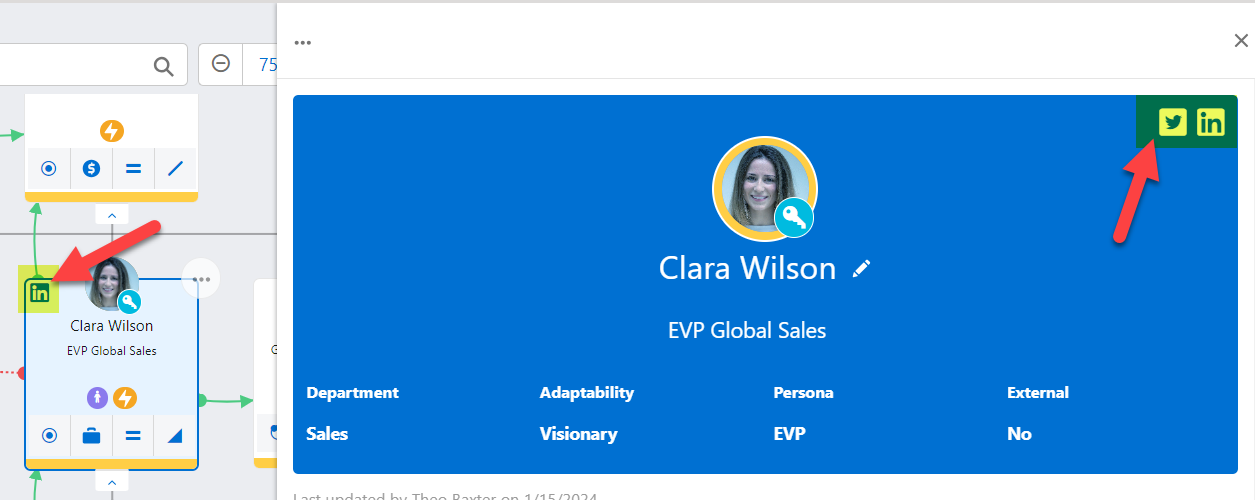
Clicking an icon opens the contact's social media account in a new browser window (IF the contact's X or LinkedIn handle is specified on their Salesforce Contact record). If the handles are not specified, the icons are gray and inactive.
By keeping an eye on a contact's social media profiles, you can learn more about them. This can give you a better understanding of the issues that may affect their thinking about the kinds of solutions you can offer.